→ Jump to Reading App Recommendations
→ Jump to Choosing the Right Reading App
If you’re looking for reading apps for kids, you’ve probably noticed there are a lot of options.
Some apps focus on phonics and letter sounds. Others help children practice blending, build vocabulary, listen to stories, or develop early reading skills. With so many choices, it can be hard to know which app is actually going to be helpful for your child.
As a former elementary teacher and a mom, I’ve found that the best app isn’t necessarily the one with the most activities. It’s the one that matches what your child is currently learning and gives them a reason to keep coming back.
I’ve tried several learning apps with my own children, and a few have stood out to me for different reasons. I’m sharing them below to help you figure out which one might be the best fit for your child.
And if you’re looking for ways to support your child’s learning without relying entirely on a screen, I’ve included ideas for combining apps with simple, hands-on learning too.
Quick Guide: Which Reading App Is Right for Your Child?
If you don’t have time to read through every option, here’s a quick look at what each app is best suited for.
| App | Best for | What it focuses on |
|---|---|---|
| Reading.com | Personalized beginning reading | Sounds, phonics, blending, early reading |
| Khan Academy Kids | Free early learning | Literacy, phonics, vocabulary, stories |
| Reading Eggs | Structured reading practice | Progressive reading lessons and skills |
| Starfall | Early phonics | Letters, sounds, phonics, beginning reading |
| Teach Your Monster to Read | Game-loving kids | Phonics and early reading |
| Duolingo ABC | Short literacy activities | Early literacy and reading skills |
| HOMER | Broader early learning | Reading plus other early-learning skills |
| Speech Blubs | Speech and language | Speech and language practice |
What Should You Look for in a Reading App for Kids?
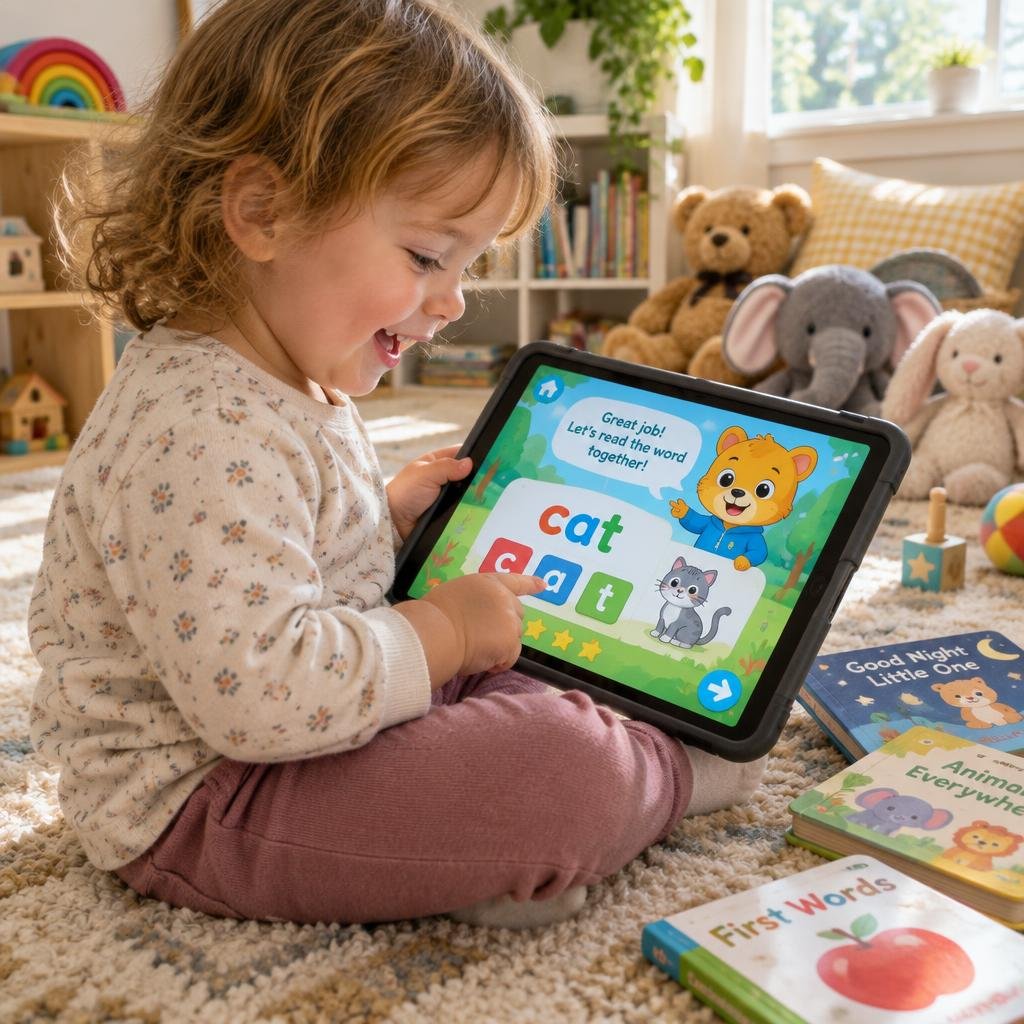
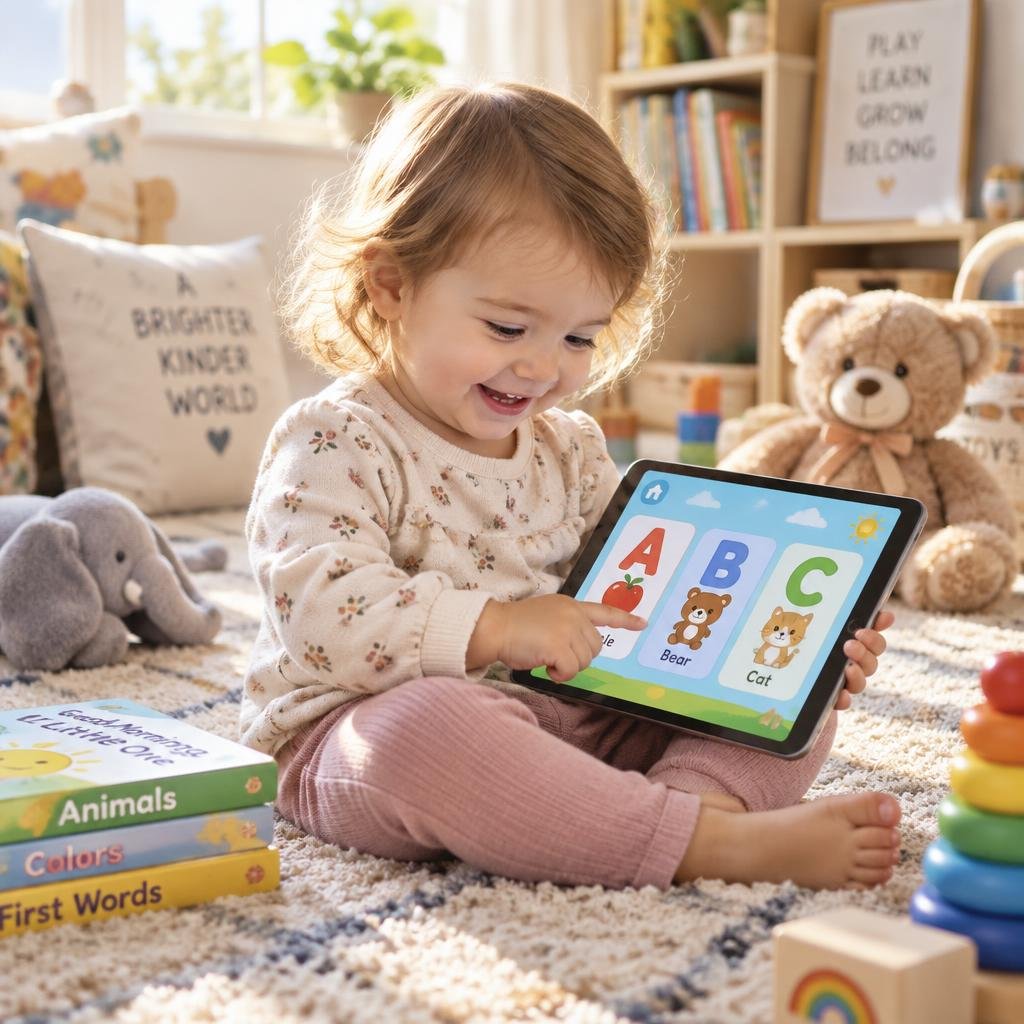
Before choosing an app, think about what your child actually needs right now.
Are they still learning their letters and sounds? Are they ready to start blending sounds together? Do they recognize some words but need more practice? Or are they already reading and need opportunities to build fluency and comprehension?
A good reading app should meet your child where they are rather than expecting every child to start in the same place.
I also look for apps that make learning interactive. Young children are much more likely to stick with an activity when they’re actively participating rather than simply watching something on a screen.
A few things I’d look for:
1. It teaches an actual skill.
There’s nothing wrong with an educational game being fun, but I want to know what my child is practicing while they’re using it.
2. It matches your child’s level.
An app that’s too easy can become boring, while one that’s too difficult can quickly become frustrating.
3. Your child enjoys using it.
This one is easy to overlook. If your child refuses to open the app, it doesn’t matter how many great features it has.
4. Lessons are manageable.
For young children, you don’t need a 45-minute reading session. Short, consistent practice can be much easier to fit into your day.
5. It works alongside real books and play.
An app should be one tool in your learning toolbox—not the entire toolbox.
Reading.com — Best for Personalized Beginning Reading
Reading.com is one of my favorites for early reading, and it’s the one I’ve been using with my own 3-year-old.
One of the things I really like is that your child doesn’t simply start at the same lesson as every other child.
You complete a placement assessment with your child, and the app uses the results to determine where they should begin.
I love this because children can develop early reading skills at very different rates. One child may need more practice with letter sounds while another is ready to start blending.
The lessons include videos that demonstrate sounds, help children learn the sounds letters make, and introduce blending so children can begin putting sounds together.
And perhaps most importantly for me as a mom: my 3-year-old loves using it.
That matters.
An app can have great educational content, but if your child doesn’t want to use it, it’s going to be difficult to make it part of your routine.
What I like about Reading.com
- Your child starts at a level based on a placement assessment
- Focuses on foundational reading skills
- Includes instruction for letter sounds
- Uses videos to demonstrate sounds
- Introduces blending
- Provides structured lessons
- My 3-year-old enjoys using it
Something I especially appreciate as a parent
I don’t have to sit there wondering, “What should we work on next?”
The placement assessment gives us a starting point, and the lessons provide a little more structure to our reading practice.
That makes it much easier for me to actually use the app consistently.
Best for: Parents who want a more personalized approach to beginning reading and phonics.
Khan Academy Kids — Best Free Option
If you’re looking for a reading app for kids that doesn’t require another subscription, Khan Academy Kids is one I would put on your list.
The app includes activities that support early literacy skills such as phonics, phonemic awareness, vocabulary, and reading.
It’s also broader than just reading, so children can work on other early learning skills within the same app.
For parents who want to introduce educational screen time without adding another paid program to the budget, this is an option worth exploring.
What I like about it
- Free
- Includes literacy activities
- Covers more than just reading
- Interactive activities for young learners
Keep in mind
Because it covers several areas of learning, it may feel different from an app that’s designed specifically around a structured reading program.
Best for: Families looking for a free early-learning app that includes reading and literacy activities.
For more ways to make learning part of your child’s everyday play, take a look at my Educational Toys for Toddlers guide.
Reading Eggs — Best for a More Structured Reading Program
Reading Eggs is another option to consider if you’re looking for something that provides more structured reading instruction.
Rather than simply offering a collection of literacy games, Reading Eggs is designed around developing reading skills through a progression of lessons and activities.
This can be helpful for parents who want more direction and don’t necessarily want to decide what their child should practice each day.
The activities are designed to make reading practice feel engaging and game-like for young children.
What I like about it
- Structured progression
- Reading-focused activities
- Interactive practice
- Can give parents more direction
Keep in mind
If you’re looking for a completely free option, this may not be the first app I’d choose to explore.
Best for: Parents looking for a structured program that guides children through reading skills.
If you’re interested in other structured learning resources for young children, you may also want to read Which Learning Resource Is Right for Your Toddler?
Starfall — Best for Early Phonics Practice
Starfall has been around for years and is another familiar option for early literacy and phonics practice.
It’s particularly useful for children who are working on foundational skills such as letter recognition, letter sounds, and beginning reading.
I like the idea of using an app like this as an additional opportunity for children to practice skills they’re already learning.
It doesn’t have to replace reading books together, talking about letters, or practicing sounds with your child. Instead, it can be one more way for them to interact with those skills.
What I like about it
- Focuses on foundational literacy
- Phonics practice
- Interactive activities
- Can be used alongside other reading activities
Best for: Children working on early phonics and beginning reading skills.
For parents who want to take phonics practice away from the screen, simple hands-on learning activities can be a great addition to your routine.
You can also check out my Easy STEM Activities for Toddlers and Preschoolers for more screen-free learning activities to rotate into your week.
Teach Your Monster to Read — Best for Game-Loving Kids
If your child loves games, Teach Your Monster to Read is one worth checking out.
The app turns phonics and early reading practice into a game, giving children a character and a world to interact with while they work through reading skills.
This type of format can be especially appealing to children who aren’t naturally excited about traditional reading practice.
What I like about it
- Game-based format
- Phonics practice
- Interactive
- Can make practice feel more like play
Best for: Kids who are motivated by games and interactive activities.
If your child tends to move quickly from one activity to another, you might also enjoy my guide to How to Encourage Independent Play for ideas that can help young children stay engaged with activities on their own.
Duolingo ABC — Best for Early Literacy Practice
Duolingo ABC is another option for young children who are beginning to develop reading skills.
It focuses on foundational literacy skills and gives children short, interactive activities to practice.
For parents who prefer shorter learning sessions, an app with bite-sized activities can make it easier to fit reading practice into an already busy day.
What I like about it
- Short activities
- Interactive format
- Focuses on early literacy
- Easy to fit into a busy routine
Best for: Young children who benefit from short, interactive literacy activities.
And if you’re looking for ways to give your child more opportunities to practice skills away from a screen, sensory and hands-on activities can be an easy addition to your day. You can find more ideas in my Sensory Activities for Toddlers guide.
HOMER — Best for Broader Early Learning
If you’re looking for an app that goes beyond reading, HOMER is another one to consider.
Rather than focusing only on reading, it combines early literacy with other areas of learning.
That can be useful for parents who want one app that offers a broader collection of educational activities instead of having a separate app for every subject.
What I like about it
- Goes beyond reading
- Includes early literacy
- Broader learning activities
- Can be useful for families looking for one learning platform
Best for: Families looking for a broader early-learning experience that includes reading.
What About Speech and Language Apps?
While Speech Blubs isn’t a reading app, I wanted to mention it because it’s another app I’ve personally enjoyed using.
I use Speech Blubs for speech and language practice, and I like the interactive format.
Speech and language development is a separate area from learning to read, but the two can overlap as children develop communication and early literacy skills.
If your goal is specifically letter sounds, phonics, blending, and beginning reading, I’d stick with a reading-focused app.
If you’re also looking for something to support speech and language practice, Speech Blubs is one to consider.
What I like about Speech Blubs
- Interactive speech and language activities
- Gives children opportunities to practice communication skills
- Something I’ve personally enjoyed using
Best for: Parents looking for an additional app focused on speech and language development.
If you’re looking for more activities to encourage communication and language skills during everyday play, be sure to check out my Language Development Activities for Toddlers and Preschoolers.
How I Would Use a Reading App With My Child
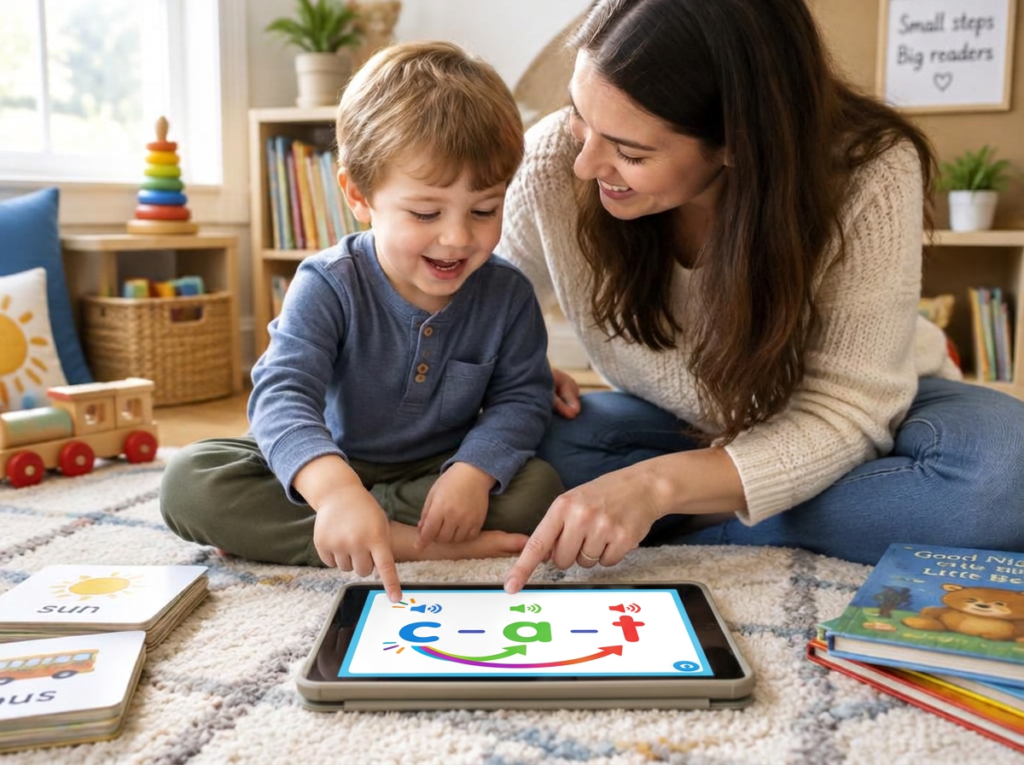
One thing I don’t think parents need is another activity that takes an hour to set up.
For young children, I’d keep reading-app practice simple.
You could try a routine like:
1. Read a book together — 5–10 minutes
Let your child choose the book when possible. Talk about the pictures, point out interesting words, and ask questions.
2. Use the reading app — 5–15 minutes
Let the app provide the focused practice for the reading skill your child is currently working on.
3. Do something hands-on — 5 minutes
Practice the same skill away from the screen.
For example, if you’re working on letter sounds, you might look around the house for objects that begin with that sound.
If you’re practicing letters, you could make letters with play dough or build them with blocks.
This doesn’t need to be a formal lesson.
The goal is simply to give your child another opportunity to use the skill they’ve been practicing.
For more simple learning activities, you can browse my Fine Motor Skills Activities for Toddlers.
How Much Screen Time Should a Child Have?
I don’t think parents need another reason to feel guilty about screen time.
An educational app can be one small part of your child’s day.
What matters to me is how we’re using it.
Instead of handing your child a tablet and expecting the app to teach everything, think of it as one tool you can use alongside books, conversation, play, and hands-on activities.
Some days your child may be interested in practicing for 10 minutes.
Other days they may want to do something completely different.
That’s okay.
Learning doesn’t have to happen the same way every day.
Before You Download a Reading App
Before starting a new app, I would ask yourself three simple questions:
What does my child need to practice?
Choose an app based on your child’s current skill rather than simply choosing the most popular one.
Will my child actually enjoy it?
If your child enjoys the format, you’re much more likely to be able to build it into your routine.
Does it fit our budget and routine?
Some apps are free, while others may have subscriptions or paid features. Think about what you’re comfortable spending and how often your child will realistically use the app.
You don’t need five different subscriptions to support early reading.
One app that fits your child well may be plenty.
How to Choose the Right Reading App for Your Child
Still not sure where to start?
Here’s the simplest way I’d narrow it down:
If your child is just beginning with sounds and early reading
Reading.com may be a great place to start, especially if you like the idea of having your child complete a placement assessment and begin at an appropriate lesson.
If you’re looking for a free option
Khan Academy Kids is worth exploring if you want literacy activities without adding another paid program.
If you want a structured reading program
Reading Eggs may be a good fit for families who want more guidance and progression.
If your child needs phonics practice
Starfall is an option to consider for foundational phonics and early reading practice.
If your child loves games
Teach Your Monster to Read may make reading practice feel more like play.
If you want short literacy activities
Duolingo ABC is another option to look at for interactive early literacy practice.
If you want reading plus other areas of learning
HOMER may be worth considering if you’re looking for a broader early-learning experience.
Remember: An App Doesn’t Replace Reading Together

Even if you find an amazing reading app, I wouldn’t make it your child’s only reading experience.
Some of the most valuable reading practice happens away from a screen.
Read books together. Point out letters and sounds when they naturally come up. Let your child help you make a grocery list. Talk about the pictures in a book. Ask what they think will happen next.
And if your child enjoys using a reading app, let it be one more tool in your toolbox.
You don’t need to spend hours every day trying to teach your child to read.
A few minutes of intentional practice, paired with plenty of books, conversation, and everyday opportunities to play with language, can give your child lots of opportunities to build early literacy skills.
For more ideas, you can also browse my Educational Toys for Toddlers collection, where I share hands-on learning ideas that encourage children to build skills through play.
Frequently Asked Questions About Reading Apps for Kids
What is the best reading app for kids?
There isn’t one reading app that will be the right fit for every child. The best option depends on your child’s current reading skills, age, interests, and the type of practice you’re looking for.
For example, I personally enjoy using Reading.com with my 3-year-old because the placement assessment helps us find a starting point and the lessons focus on sounds and blending.
What age should kids start using reading apps?
Young children can begin using age-appropriate educational apps, but the right time depends on the individual child.
For preschoolers, I’d focus on short, interactive activities rather than expecting long periods of independent screen-based learning.
Can reading apps teach a child to read?
Reading apps can provide practice with important early literacy skills such as letter recognition, phonics, sounds, blending, vocabulary, and reading.
However, an app works best as one part of a broader learning routine that includes reading books together, talking, playing, and practicing skills away from a screen.
Are reading apps good for preschoolers?
They can be, especially when the app is developmentally appropriate and focuses on skills your child is ready to practice.
For preschoolers, I prefer apps that offer short, interactive activities and allow children to actively participate.
Should I use more than one reading app?
You don’t have to.
If you find one app that fits your child’s needs and your family’s routine, that may be enough. Using several apps can sometimes make it harder to know what your child is actually practicing.
I’d start with one and see how your child responds.
Final Thoughts
Finding the right reading app for kids doesn’t have to mean downloading every app and hoping one sticks.
Start with what your child needs right now.
If you’re looking for an app that meets your child at their current reading level, Reading.com has been one of my favorites to use with my own 3-year-old. I especially love that the placement assessment helps determine where to begin, and the lessons work on sounds and blending in a way that keeps my child interested.
But every child is different. What works beautifully for one child may not be the right fit for another.
The goal isn’t to find the perfect app.
It’s to find a tool that helps your child practice important reading skills while keeping learning positive and enjoyable.
And remember, you don’t have to choose between screen-based learning and hands-on learning. The two can work together as part of a simple, realistic learning routine at home.
If you’re ready to explore more ways to support your child’s learning, take a look at my Language Development Activities for Toddlers and Preschoolers, and Fine Motor Skills Activities for Toddlers.